
Glass-Style UI
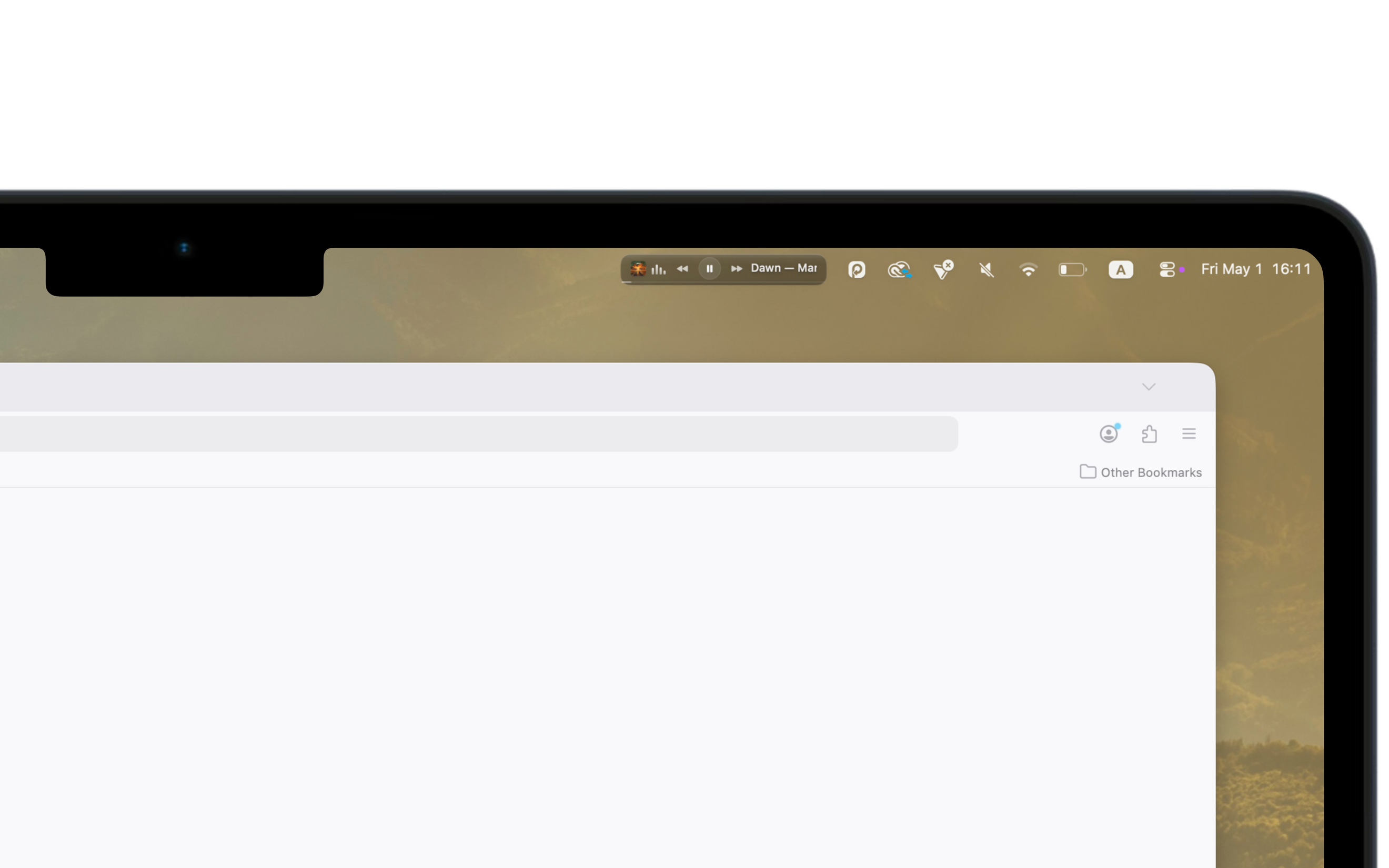
Translucent dark pill with hand-painted highlights and a gradient border. Feels native to macOS. Disappears when you stop looking.
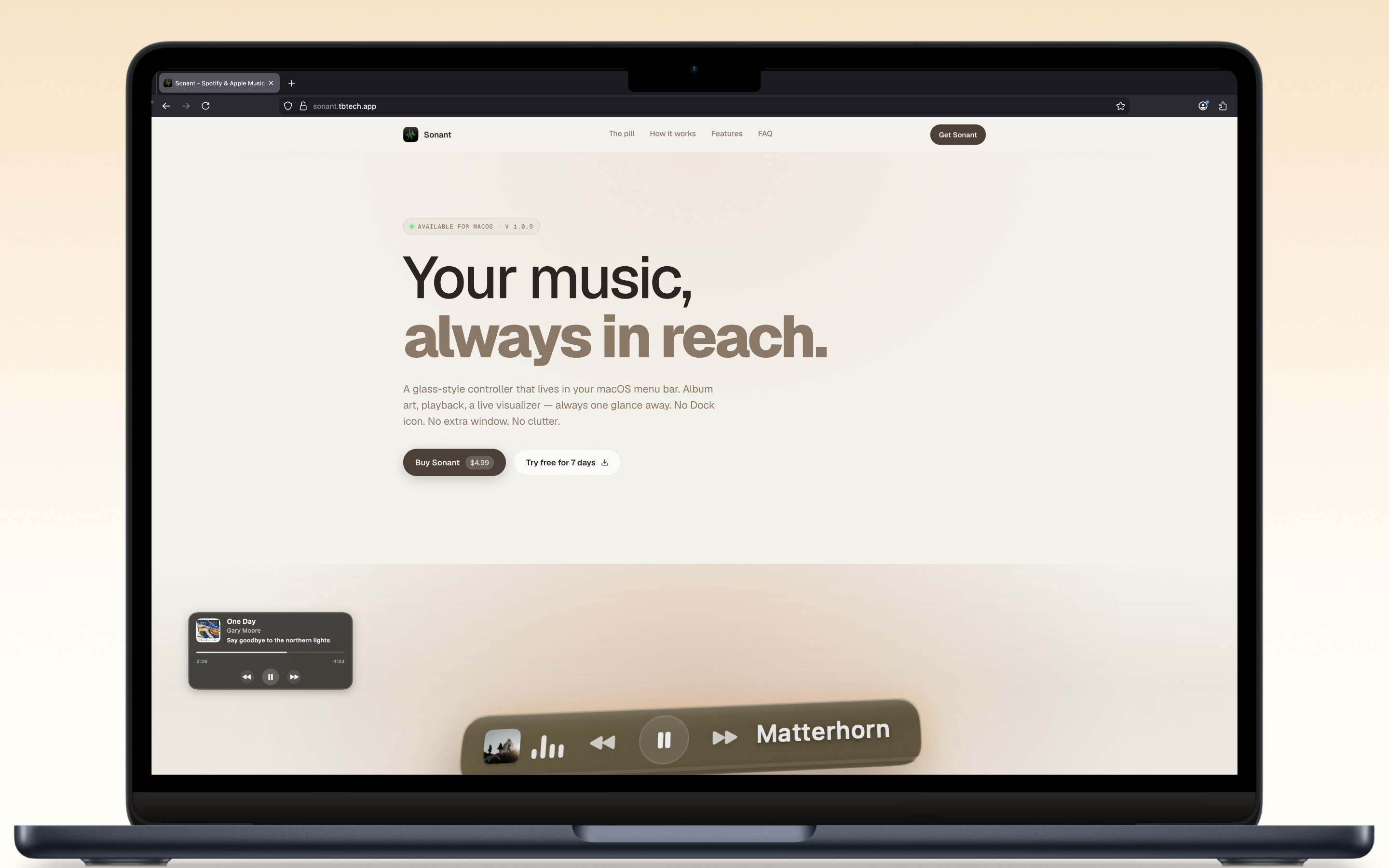
A glass-style controller that lives in your macOS menu bar. Album art, playback, a live visualizer, always one glance away. No Dock icon. No extra window. No clutter.
Song titles slide smoothly on hover with soft fade masks. Static when idle, animated when you need it.
Buttons light up individually with spring physics. Responsive, tactile, and satisfying every time.
The progress bar expands on hover and reveals a draggable thumb. Scrub to any point in the track.
Four bars driven by a CoreAudio process tap that reads your actual audio output in real time.
Drag it to Applications. It lives in your menu bar. No Dock icon, no windows.
Open Apple Music or Spotify and hit play. Sonant auto-detects which player is active.
Play, pause, skip, seek. All from the glass pill. Or use global shortcuts from any app.
Translucent dark pill with hand-painted highlights and a gradient border. Feels native to macOS. Disappears when you stop looking.
Four bars that react to actual audio via a CoreAudio process tap. Opt-in: turn it off if you want a quieter menu bar.
Play, pause, skip, scrub. All from the pill. No window-switching, no breaking focus. Your hand never leaves the trackpad.
Detects whether Apple Music or Spotify is playing in real time. Pulls in artwork, title, and artist automatically. No setup.
⌘⇧Space to play/pause, ⌘⇧→ to skip. Works from any app, anywhere. Your music doesn't need a window to listen.
Set 15, 30, 45, 60, or 90 minutes. Music pauses automatically when the timer's up. Good for falling asleep to a record.
A 185-pixel glass pill that feels native to macOS. Every detail (the highlight, the gradient border, the spring animations) is crafted to blend in, not stand out.
Song titles slide smoothly with soft fade masks at each edge. Continuous when a long title needs the room.
Buttons pulse on a continuous spring stagger: responsive, tactile, never quite sitting still.
The fill walks 0% → 60% on a four-second cycle and a draggable thumb tracks alongside it. Same precision as the source app.
Four bars driven by a CoreAudio process tap that reads your actual output in real time. Always running.
Right-click the pill for a full utility menu. Shortcuts, stats, audio routing, and more.
Daily and weekly time, current streak, and your top five most-played artists. All kept locally. Nothing leaves your Mac.
Hop between speakers, AirPods, or any other output straight from the right-click menu. No detour through System Settings.
One click copies the Apple Music or Spotify URL for the current track. Already pasted by the time someone asks.
music.apple.com/track/midnight-drive
Copied
A floating Liquid Glass panel that follows you across spaces and full-screen apps. Album art, title, artist, progress, transport, and a live lyric line. Every element toggleable, the whole thing draggable anywhere on your screen.
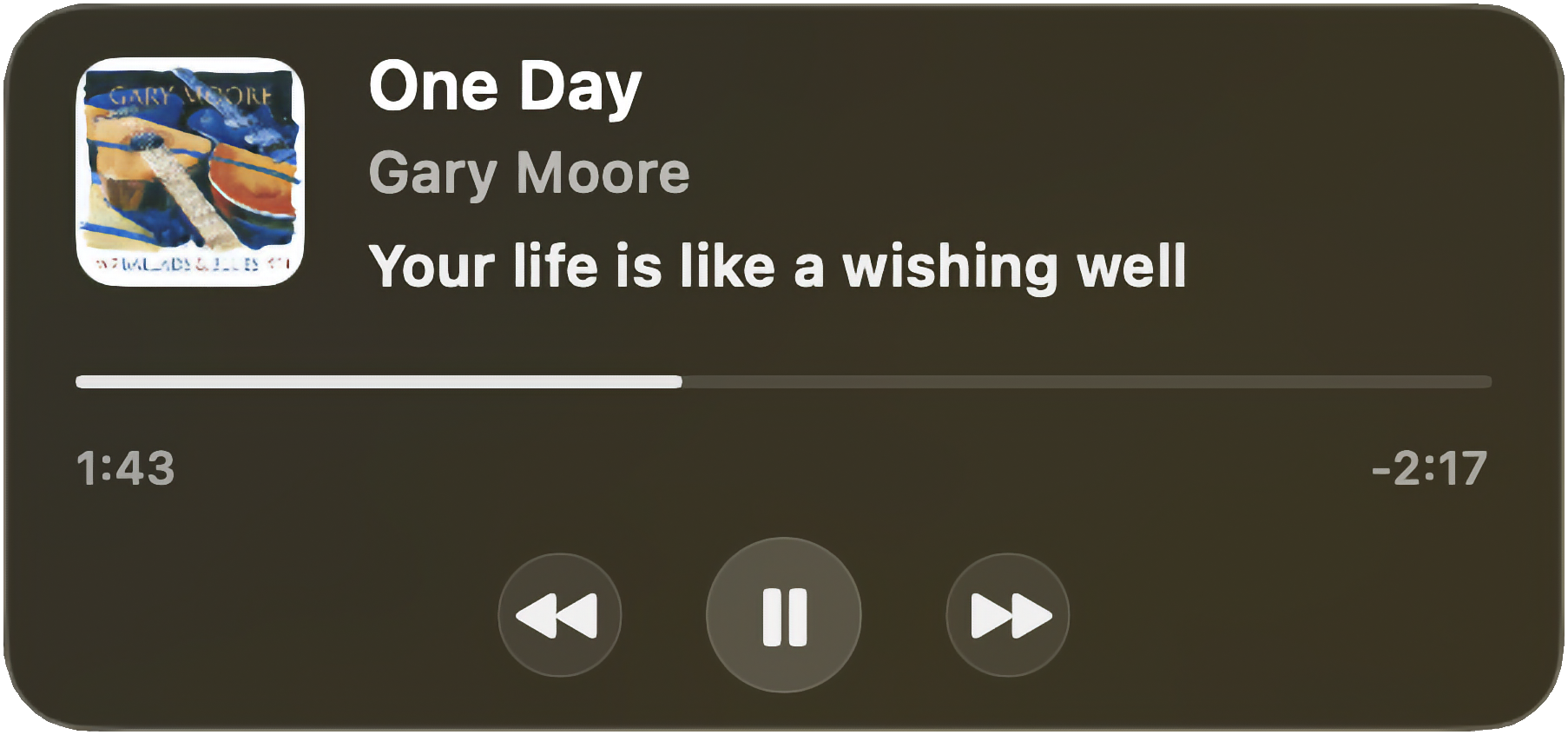
Six things the widget can show, six switches in Settings → Widget. Turn anything off and the panel resizes to fit what's left.
The line being sung right now, in sync with the song. Crossfades smoothly between lines. Toggle it off for a more focused widget.
Prev / play / next buttons that scale, brighten, and glow under your cursor. Click a button without losing focus from whatever app you're in.
Click anywhere on the bar to jump; drag to scrub live. The thumb tracks your cursor with zero lag. The seek only commits when you release.
Album art, title, artist, progress, transport, lyric: six independent toggles. The widget shrinks automatically to match whatever's still on.
Floats above other windows by default. Flip a switch and it sinks to a normal window level, letting other apps cover it when they need to.
Drag the widget anywhere. Sonant remembers the position across launches, and across spaces and full-screen apps while it's running.
Three preset profiles, and Sonant follows macOS's own Low Power Mode automatically. Customise the refresh rates per profile from the settings window.
Visualizer hidden. Drift refresh stretched. The pill stays informative and stops working hard.
Visualizer at 15 fps, drift refresh every 10 seconds. The default: what most people want, most of the time.
Visualizer at 30 fps, drift refresh every 5 seconds. For when you're plugged in and want every frame.
Built entirely in Swift and SwiftUI. No Electron, no web view, no telemetry. Runs as a true menu-bar-only app.